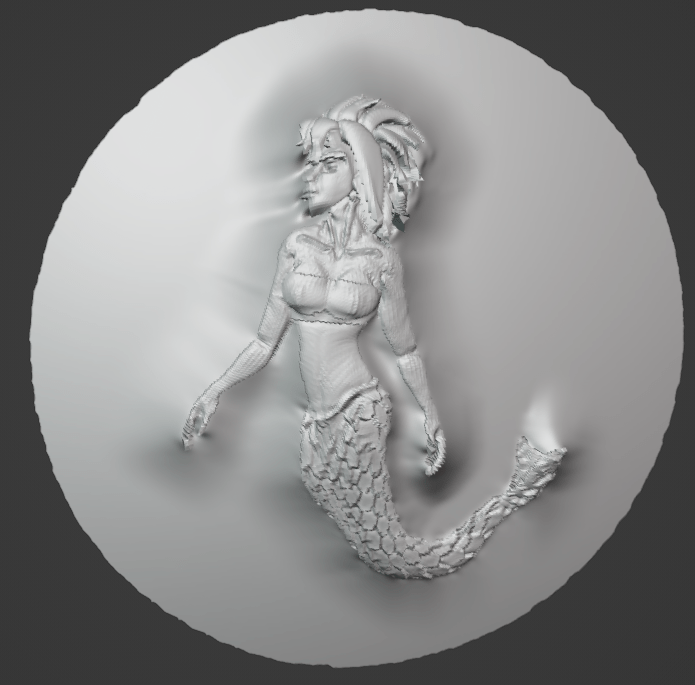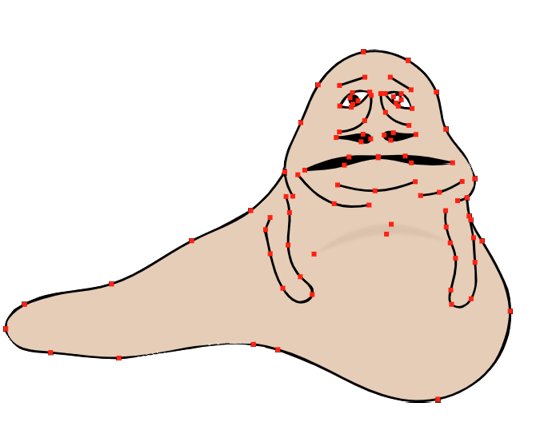
Sculptcore is a new engine for digital sculpting systems. It’s meant to be integrated into a host 3D digital content creator (DCC); currently it supports Blender and a small DCC app I wrote for research purposes. The goal is to have a sculpting system that follows you to whichever app you do your work in.
Feature Highlight
Sculptcore aims to be a feature-complete mesh sculpting system; it supports:
- Dynamic topology (similar to Blender’s DynTopo or ZBrush’s Sculptris).
- Catmull-Clark multires.
- A domain-specific language for creating brushes that can be run on both the CPU and the GPU.
- Vector displacement maps (including PTex).
- Sculpt layers (in object space).
- Boundary constraint system to preserve e.g. polygroup boundaries, uv charts boundaries, hard edges, etc.
- UV reprojection during smoothing to prevent distortion.
- WebGPU support.
What makes this hard?
Digital sculpting is both technically difficult and hard on software organizations. The sheer amount of memory sculpting systems must process puts severe limitations on code structure–and worse, these constraints vary between different data backends. They also tend to cross-cut an organization’s boundaries in uncomfortable ways.
Data Backends
A purely mesh-based sculpting system needs to support at least three fundamental workflows that each need their own tailored data structure:
- Dynamic remeshing (e.g. Blender’s DynTopo, ZBrush’s SculptTris).
- Multiresolution Catmul-Clark subdivision surfaces.
- Vector displacement maps: these come in two variants, UV-mapped textures and PTex (the latter is how Blender stores multires data).
It’s also important to be able to modify mesh data directly on the GPU in certain key cases (mostly sculpt tools that deform the entire mesh, e.g. Kelvinlet deformers, cloth sim, etc).
Sculptcore’s Design
Meshes
Sculptcore uses a paged struct-of-arrays boundary-representation (BREP) to represent meshes. Topological pointers (e.g. linked list of edges around vertices) use 32-bit integer attributes on the mesh. This structure is highly flexible and can be tailored into different mesh structures:
- Full BREP suitable for dynamic remeshing
- Ligher BREP suitable for fast processing and multires.
In the future the underlying paged attribute system could be used to also implement e.g. pure triangle meshes.
Defragmentation
The mesh structure can be incrementally defragmented to increase spatial locality. This is done to combat the tendency of dynamic topology to massively decrease CPU cache coherency of the mesh.
Remeshing
Sculptcore supports dynamic remeshing similar to Blender’s DynTopo or ZBrush’s SculpTris (technically this called a “Botsch-Kobbelt” type system, from the paper “A Remeshing Approach to Multiresolution Modeling”).
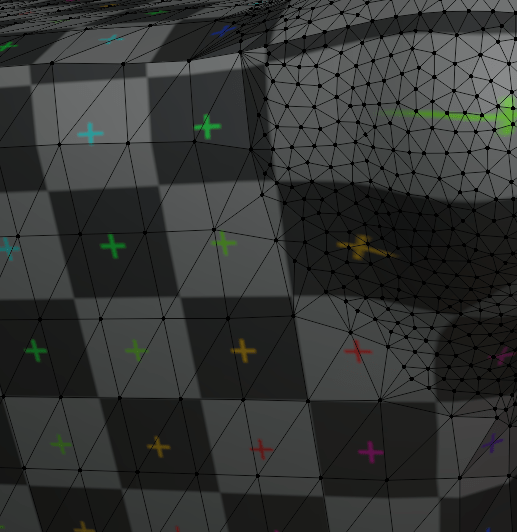
There is a boundary constraint system used to:
- Keep Poly group boundaries smooth. ZBrush does this.
- Keep ‘marked sharp’ edges sharp for hard edge sculpting.
- Mark edges as ‘preserved’ so sculpting tools preserves their rough shape.
- Preserve UV chart boundaries (no one currently does this).
Brushes
Sculptcore has a highly flexible brush system. Sculptcore provides its own set of brushes and the plugins that integrate Sculptcore into each host DCC can also provide their own brush implementations.
SBrush
Brushes are written using a small domain-specific language (similar to slang) to drive its brushes. They are compiled to C++ and GPU backends at compile time.
As I have written a fair number of compilers in my life I felt no shame at all in asking Claude Code to design a domain-specific language suitable for sculpting with auto-diff support. Since this is not that different from the design requirements behind Slang I may switch to it in the future.
Currently sbrushc has backends for C++, WGSL, and SPIR-V. There is also some support for apple Metal via cross-compilation of the generated WGSL scripts.
Brush Programs
There is some support for stacking brushes together into brush ‘programs’, though this is currently a bit primitive.
Brush Properties
Brushes have properties. Sculptcore has a number of built-in properties (e.g. radius, strength, color) and plugins can register their own.
Vector Displacement Maps
Vector displacement maps come in two flavors, UV-mapped textures and PTex (which is applied over subdivision surfaces). PTex is deliberately kept completely separate from multires; Blender’s attempt to merge them has led to numerical instability (the infamous Blender multires spikes) that is mathematically impossible to fix. Sculptcore is more in line with the rest of the industry that separates object-space multires editing from tangent-space PTex textures.
Sculpt Layers
Sculptcore has support for sculpt layers (these are always applied before any vertex displacement maps). These are in object space (the industry standard).