
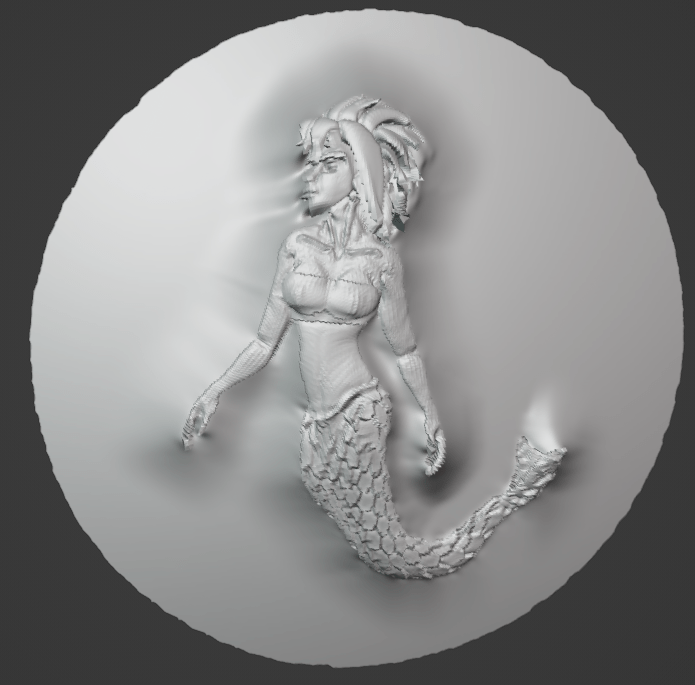
For the Christmas holidays I decided to write a little bass-relief modifier for Blender.
It works by projecting 3D objects onto a flat surface and then squishing them:
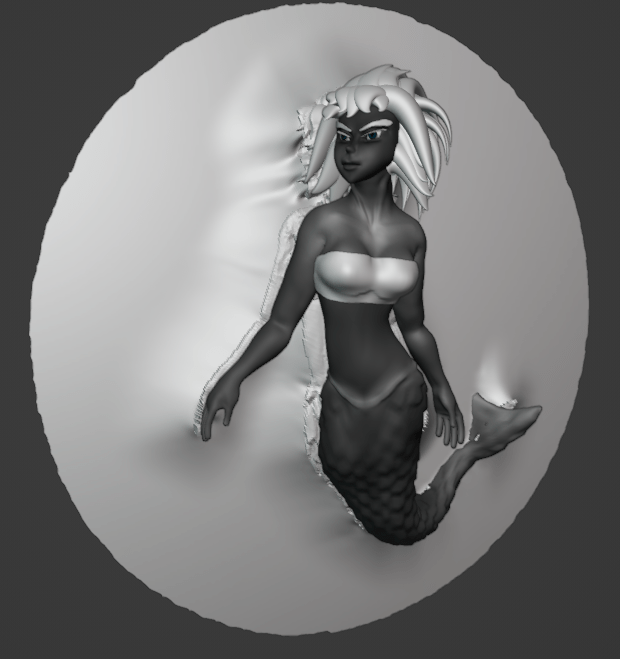
You might be thinking to yourself, “Blender’s Shrinkwrap modifier can do that!” It can’t. The Shrinkwrap modifier doesn’t support projecting to the far side of objects, which is necessary for bass reliefs:
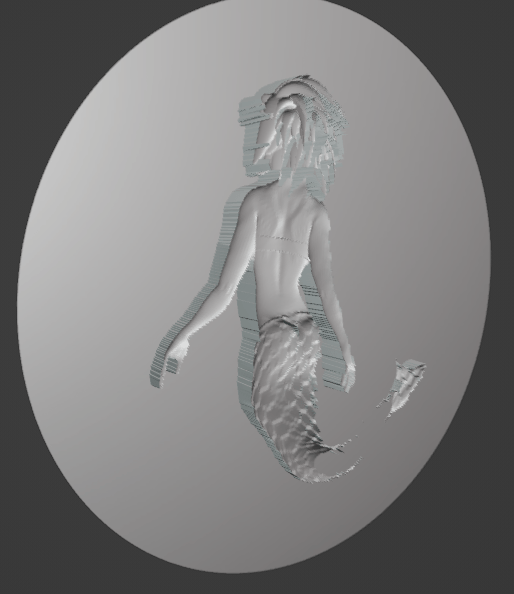
The result of shrinkwrap plus some squishing.
But there are other, more fundamental problems. The “outside” verts around the boundary should also smoothly interpolate up to the target mesh instead of just falling off suddenly. Also bass reliefs are supposed to be flat but still have 3D details; details we cannot fake via normal maps since we want to be able to 3D print these.
Smoothing Unprojected Boundary
The first step in smoothing the unprojected boundary is to build a distance field that maps each unprojected vertex on the relief mesh to the closest projected vertex:
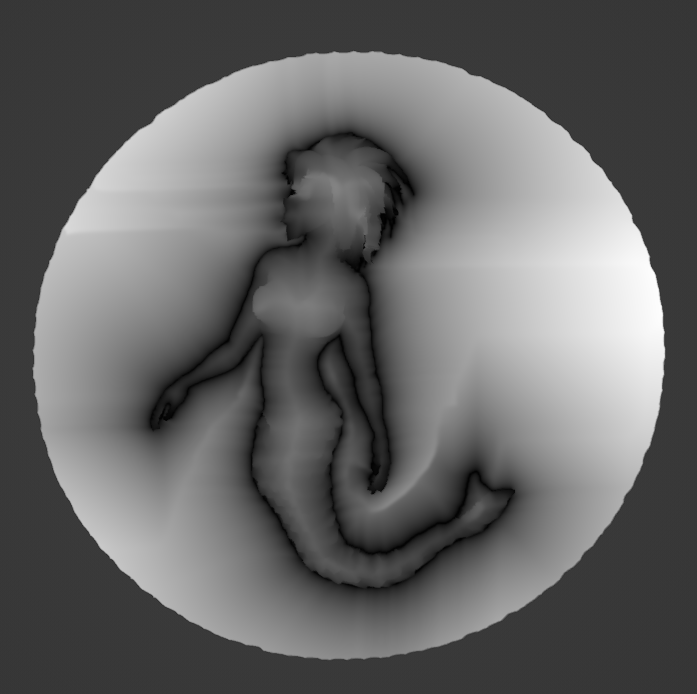
The projection vectors at the boundary is then interpolated across the unprojected part of the mesh. The final result is then smoothed.
Exaggerating Details On Flattened Mesh
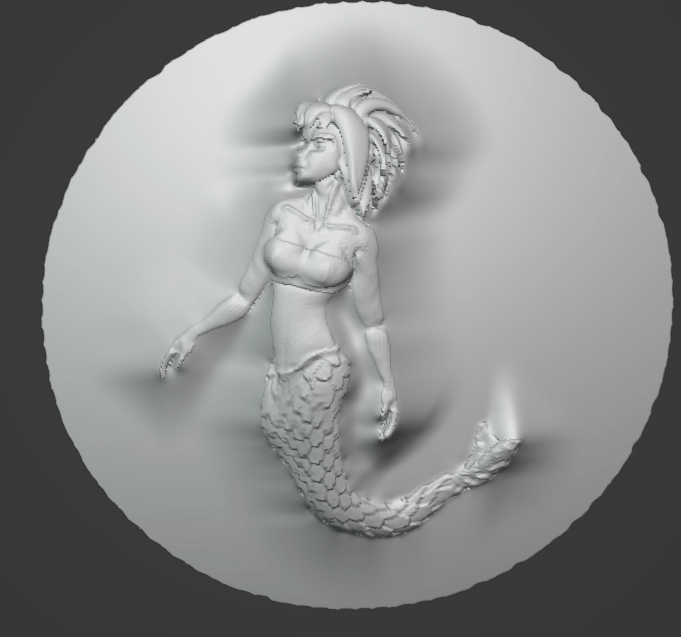
The initial process of projection and flattening produces something like this:
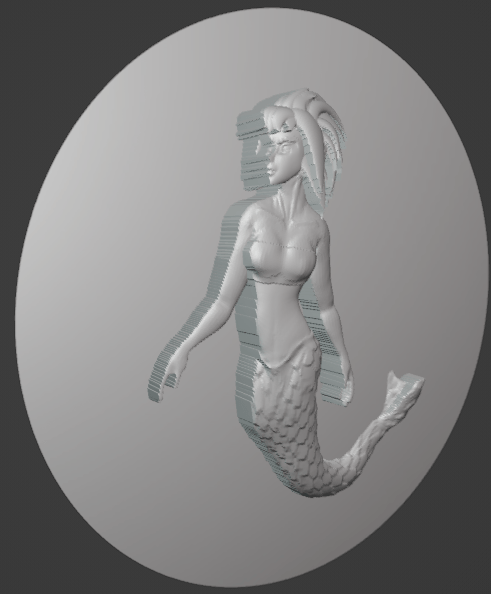
Tangent Field
The first step in exaggerating details is to build a tangent field. This can be done in any number of ways; here I simply took the gradient of a geodesic distance field propagated from a single point (note that this is different from the boundary distance field).
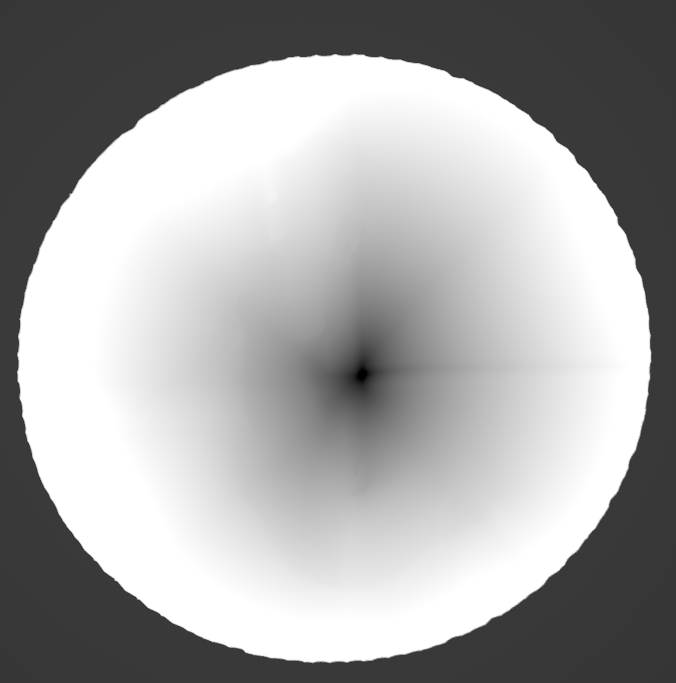
Once we have the tangent field we can compute so-called “differential coordinates” between the projected mesh and a smoothed version of it. This is done twice–first to calculate the initial displacements, and then again on the post-squished mesh to recalculate the tangent frame and apply the displacements.
Exaggerating the displacements is as simple as multiplying t he displacement vectors by a scalar value greater then 1.
 The Graphics Blog